

The half-life of skills is shrinking fast. Learning speed is now the most important skill anyone can have. —Omar Abbosh, CEO of Pearson.
Who doesn’t need to learn more, faster?
If you’re staring at a folder full of reports and articles you intended to read but haven’t, this tiny workflow transforms them into a quick audio brief, a mind map, and a data table. In under 30 minutes, you’ll know what’s worth a deep read—and what you can skip—and get some exercise, too. It’s one of my favorite rapid learning techniques.
What you need
- A Google account to access NotebookLM: https://notebooklm.google.com
- A short list of sources (URLs or PDFs). Avoid video or audio sources for faster results.
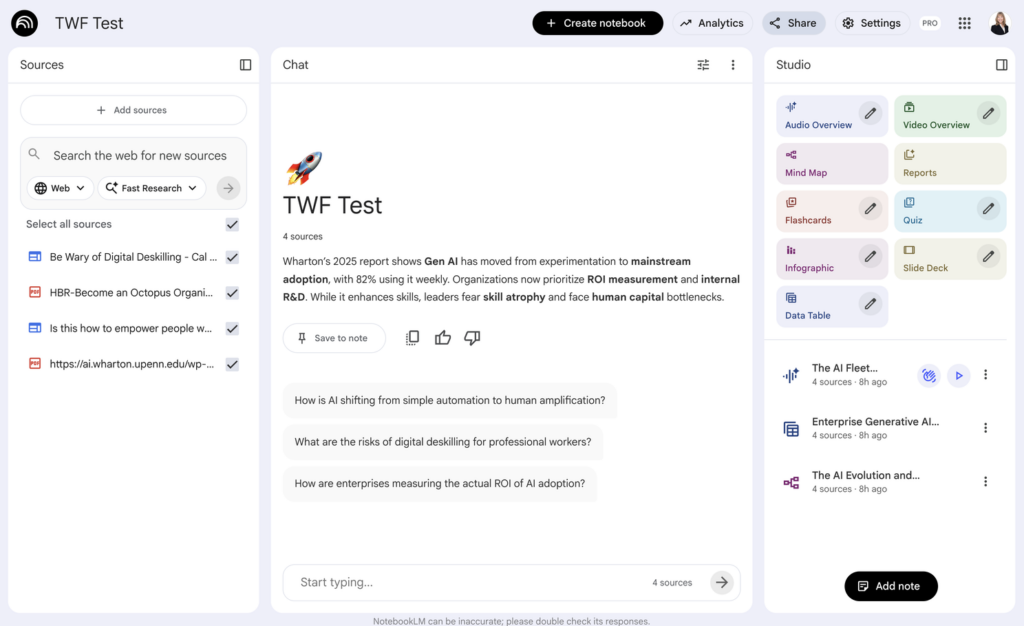
Set up in 5 minutes
- Gather 3–5 sources on one topic. Examples you can use:
Do the workflow (4 steps)
- Add your sources to a new NotebookLM notebook.
- Click “Audio Overview” to generate a short podcast summary.
- While it builds, open “Mind Map” and “Data Table” for a quick big-picture view.
- Download the audio to a cloud folder, go for a walk, and listen. Decide what merits deep reading.
Tip: Skip uploading videos or long audio files—they slow down the process.
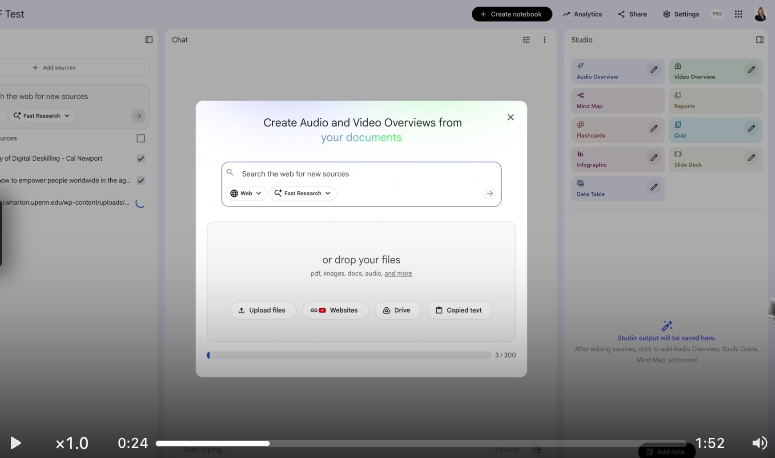
https://screen.studio/share/QX4Q5sur
Try it now (10–15 minutes)
- Create and name a new notebook.
- Paste in the sample sources above.
- Start the Audio Overview.
- Scan the Mind Map and Data Table while the audio renders.
- Take a 10–20 minute walk and make one decision: which single item will you read deeply next?
What to look for while listening
- Key themes (What shows up across multiple sources?)
- Strong claims (What requires verification?)
- Gaps (What questions are not answered?)
- Your next step (Which one report or article deserves a deep read?)
Write or voice record one action before you finish your walk (e.g., “Read Wharton/GBK executive summary and methods section”).
When to switch to deep reading
Switch to text when:
- You need methods, tables, charts, or details for a decision.
- You’re preparing to cite or teach the material.
- The audio raises a high-stakes claim you must validate.
Use NotebookLM’s chat to ask targeted questions first. Then open the original source for close reading.
Track one thing: Time to Insight
A session is a win if you record one insight or decide what to read next during your walk.
Time to Insight is the minutes from the start of the workflow to the moment you write down your insight or your decision. Use wall clock time or on-task time. Pick one method and stay consistent.
My actual timestamps HH:MM:SS
- 00:00:07 Log in and add sources
- 00:00:47 Start Audio, scan Mind Map/Data Table
- …wait for 10+ minutes…work on something else…
- 00:11:47 Download audio ☕
- 00:12:00 Head out for a 15-minute walk 👣
- 00:20:00 Yes! I want to read an article more deeply when I get home 🔥
✨ Got a tiny workflow that saves time and speeds learning? I’d love to hear about it!